
Eurofins checks every metal result before it goes to LIMS
Client: Eurofins · Sector: Laboratory
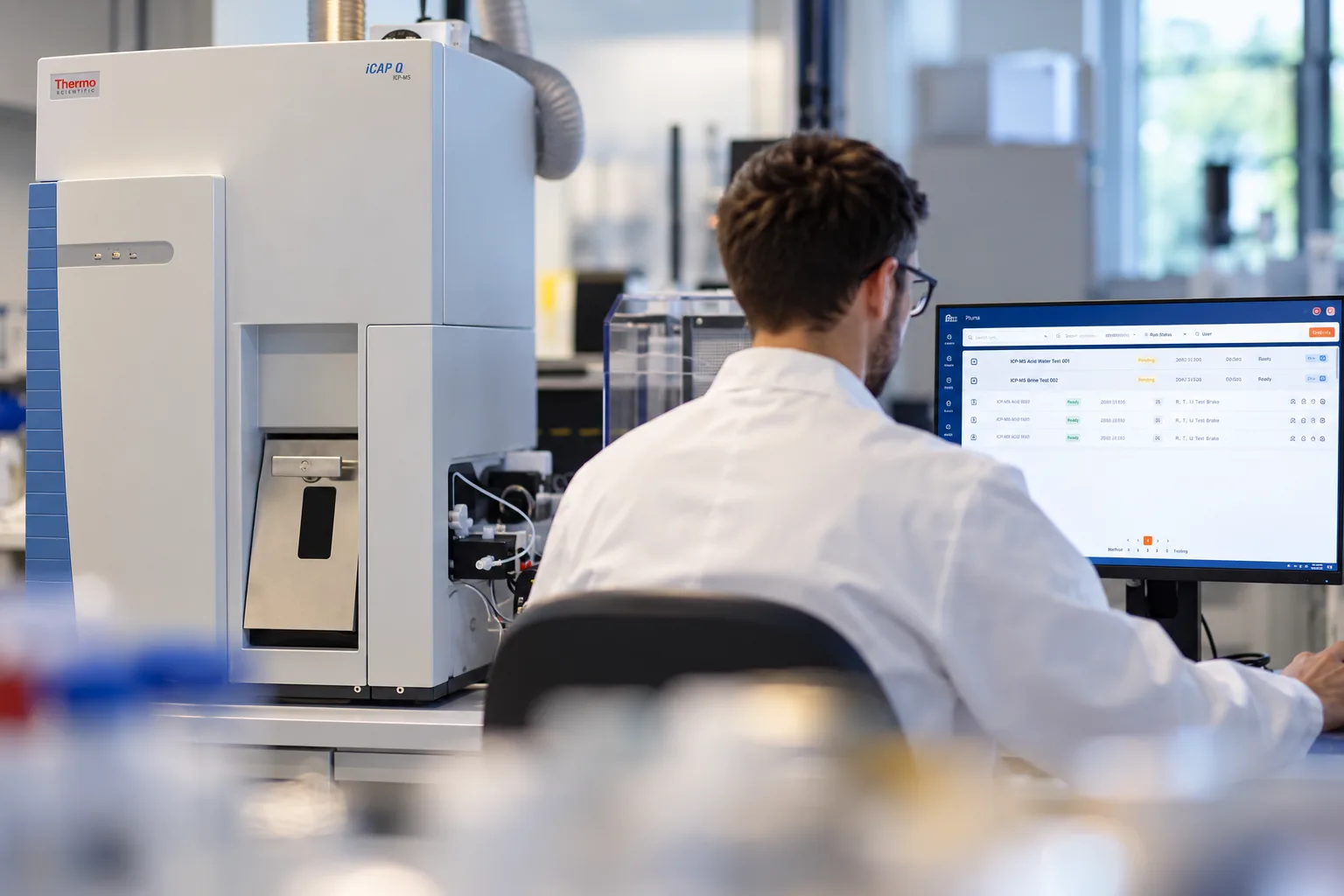
In a Eurofins environmental lab, ICP-MS and ICP-AES instruments measure hundreds of samples for metals every day. After each run, the instrument delivers an export file with the concentration of every element in every sample. That does not finish the job. Before a result may go to LIMS, the analyst has to check whether the run meets the quality rules: whether the blanks are clean, whether the internal standards and control samples are within their limits, and whether there was no carry-over from one sample to the next.
Those checks are numerous, and they depend on the instrument, the element and the matrix of the sample. Doing them by hand or in spreadsheets takes a lot of time, and an error only shows up once the result has already been reported.
Eurofins therefore wanted a single application that sits between the instruments and LIMS and checks every result automatically before it goes through. We built that application, from the import of the instrument files to the link with LIMS.
The result
The checks run automatically. As soon as a file is imported, the application tests every measurement against the quality rules of the lab. The analyst no longer has to recalculate anything and sees in one overview which results are fine and which need attention.
Only checked results go to LIMS. The application works as a filter. Only the results that pass the checks, or that an analyst deliberately approves, go to LIMS. The values themselves stay unchanged: LIMS receives the original measurement from the instrument.
Every decision is accounted for. When an analyst approves or rejects a result anyway, a justification is always required. Every change is logged, so it is clear afterwards who decided what and why.
The lab manages its own rules. The limits of the checks, the control samples and the links with LIMS are set by the lab’s own managers. When a rule changes, they process the file again, without anyone having to touch the software.
What we built
The application runs from the instrument’s export file to the result in LIMS. Along the way, it fetches the data of each sample from LIMS and sends the results of the control samples to the system that keeps the control charts.
One import for different instruments
The lab works with two kinds of instruments: an ICAP-Q for ICP-MS and an Agilent for ICP-AES. Each delivers its results in its own format. For each instrument we wrote a dedicated reader that converts the file into one shared model of runs, samples and measurements. An analyst creates a run, chooses the file and the steps to run, and follows the processing step by step on screen.
Completed with the data from LIMS
The export file only knows the name of a sample. Which matrix the sample has, how much it was diluted and which elements the customer asked for are stored in LIMS. The application fetches that data per sample from CLAP, the Eurofins LIMS, using the sample name as the key. That way it knows which elements to report for each sample, and it corrects the concentration for the dilution.
A series of quality checks
The heart of the application is a series of checks that every measurement goes through. They look at the blanks, the internal standards, the independent control samples, the ratio between isotopes, the calibration range, the reporting limit and the carry-over between samples, among other things. Each check uses the limits that apply to that instrument, that element and that matrix. When a sample was measured at several dilutions, the application itself picks the lowest dilution that passes all checks.
The application also forwards the results of the control samples to CCO, the Eurofins system that keeps the control charts. That way the lab follows its performance not only per run, but also over a longer period.
An overview for the analyst
The analyst sees all results of a file in one matrix: a row per sample, a column per element or isotope. The color of a cell shows at once whether the measurement passed the checks. One click opens the details: which check failed, with which value and against which limit. From there, the analyst chooses per element which isotope is reported, corrects the test codes and approves or rejects measurements with a justification. A separate view shows all checks of one element or one sample side by side.
From the application to LIMS
When the review is done, the application first shows a preview of what will be exported. After confirmation, it writes the results to the shared folder from which they reach LIMS. Measurements that are not ready yet wait and go along with a later export.
The lab in control
Around that process we built the modules the lab uses to manage the application itself: the instruments, methods and elements, the control samples and their limits, and the link with the codes and control charts in LIMS and CCO. Every user has a role that determines what they may do, from viewing to managing, and every change is recorded in an audit log.