What to do when a CVE shows up on your Yocto image
A Yocto image that leaves the factory is a fixed set of sources, patches and packages. A CVE published six months later is about that set. It is about neither “Linux” in general nor whatever version upstream has moved to in the meantime.
There are three questions, and the order matters.
- Was this component in the image we shipped?
- Is the vulnerability present in the source we compile, with our patches and our
PACKAGECONFIG? - Which devices are still running that release?
The SBOM answers the first. The layer answers the second. The fleet answers the third. A scanner that compares version numbers treats the answer to the first question as if it were the answer to the third. That is how you end up with a report full of red that nobody dares to close, and in which the real vulnerability gets lost.
How we make the choice for Yocto in the first place is covered in Yocto vs Ubuntu vs Debian. This article is about what you do with that image once the first CVE comes in.
The SBOM belongs to the image you shipped
An SBOM is the inventory of a single software release: names, versions, licenses, dependencies and, if the format supports it, hashes. SPDX is what Yocto writes natively. CycloneDX is what some scanners ask for. You can convert between them. Maintaining two lists by hand means they will drift apart.
The inventory that counts is the one for the rootfs. Yocto also builds native tools, an SDK and packages that IMAGE_INSTALL never puts on the device. A CVE in a recipe that is not in the image is not a CVE of the product. The report with rootfs in its name is the file you archive.
That SBOM is a release artifact, alongside the image, the SRCREVs and the signature. Image 2.4.1 and image 2.4.2 are two inventories, even under the same product name. A panel without a modem and a gateway that does include libcurl are also two inventories, even if they share a layer.
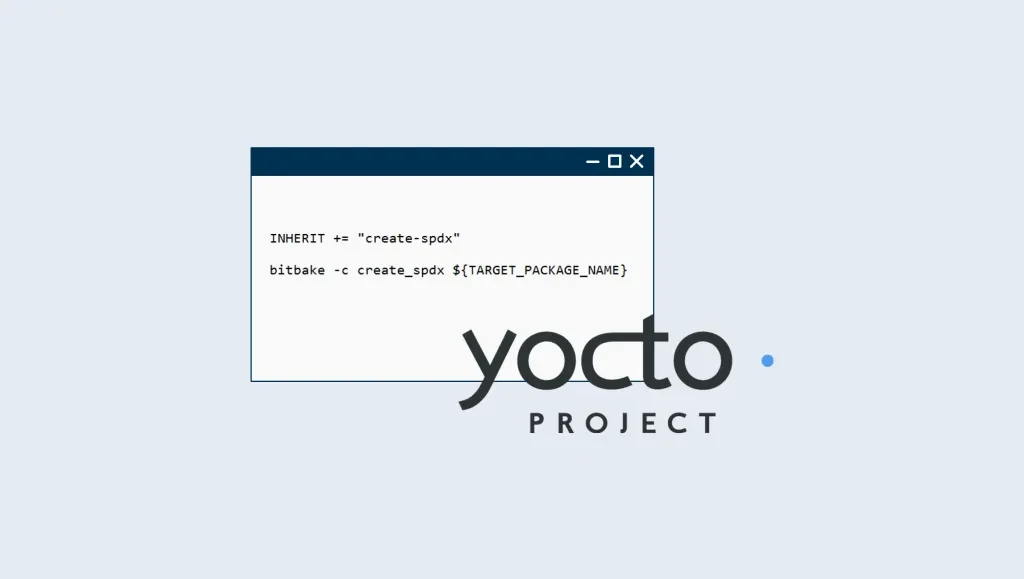
The class name differs per branch. On Scarthgap, SPDX is still create-spdx and the check is cve-check. On more recent branches this is tied to the fragment core/yocto/sbom-cve-check. The documentation for the branch you build is the reference. The principle stays the same: the file comes from the build you also sign, not from a later rebuild of a branch that has moved on in the meantime.
A green build reflects the state on that day
During the build, Yocto compares the packages in the image against a copy of the NVD. For each installed package you get the CVEs with status Patched, Unpatched or Ignored. That belongs in CI. An Unpatched on a package in the product image does not go to production until someone has looked at it.
That gate tells you what the database knew at build time. The machines in the field do not rebuild. A release-day report that flagged no relevant CVE becomes an archive document as soon as the NVD gets a new record.
The follow-up means taking the archived SBOM of every release you still support and checking it against the feed again. You do not need to rebuild the world to find out whether OpenSSL in 2.4.1 is affected. That information is in the file from week one.
A match is a question
Unpatched means Yocto found no patch covering this CVE, and nobody marked it as Ignored. It does not yet mean the device is vulnerable.
This is the order we follow:
- Is the package in the rootfs SBOM of a release that is still supported? If not, you are done.
- Is the affected code path in the image? A
PACKAGECONFIGthat disables the affected part, a service that does not listen, a file that is not compiled: in each case the CVE describes code that is not on the device. - Is the fix already in the recipe? On a stable branch it arrives as a backport, not as a version bump. Yocto recognizes it when the CVE id is in the file name or when the patch header has a
CVE:line. A patch simply calledfix-overflow.patchdoes not count, and the check will keep reporting the CVE. - Only then look at reachability and severity: network path, privileges, and whether the product uses that function at all.
The conclusion belongs in the layer.
CVE_STATUS[CVE-1234-0001] = "not-applicable-config: the affected PACKAGECONFIG is disabled"CVE_CHECK_IGNORE without a reason is the old mechanism. CVE_STATUS with a reason is something the next build can read. A spreadsheet saying “not relevant” holds the same conclusion, until its author leaves.
The patch itself looks like this. Upstream-Status: Backport belongs in it, with a reference to the upstream commit. That is how the next person can tell it is a backport and not a local deviation.
CVE: CVE-1234-0001Upstream-Status: Backport [URL of the upstream commit]This is where a version scanner makes the most noise. Upstream is at 3.2.4. The BSP has 3.0.13 plus the security patches the layer applied on top. The version number looks old, yet the source may no longer contain the CVE. The reverse also holds: a new version number proves nothing if a local patch reopens the hole.
The kernel is the extreme case. A vendor fork shares its version number with upstream, but not its tree. A large share of the NVD matches on “linux 6.6” concern code that is not present in that configuration. For the Yocto kernel there is a helper script that checks the CVE metadata against the compiled source. On a linux-imx or a similar BSP kernel, that work falls to the layer that owns the fork. Until that layer does it, the red list is not triage. If the SoM vendor stops maintaining the fork, you inherit that backlog.
Do not enable cve-check and the vex class together. They use the same status variables. VEX is the document a customer asks for to see why something does not apply. That reason is the CVE_STATUS line. If the release SPDX carries that status, you do not need a second source of truth.
From the release to the devices
A confirmed CVE in openssl in image 2.4.1 is not yet a list of machines. It becomes one once you know which devices report 2.4.1, and which are already on a release where the recipe contains the fix.
Otaryx keeps track of those releases and devices, and delivers a signed image with rollback. The assessment of whether the CVE affects the image stays in the layer, with the people who can read the recipe. The platform takes the image that comes out of that assessment to the group still running the old release. A screen that colors every NVD entry red just moves the inbox somewhere else. Linking an assessed CVE to exactly that group is where we are taking the monitoring. Without that link you have a list. With it, you have a rollout.
The remediation is usually small: one patch on the recipe, or one CVE_STATUS if the analysis says “not in this image”. After that comes a rebuild of that image, testing, signing, a staged rollout, and checking that the devices report the new version. Bumping the whole distribution because a scanner considered 3.0.13 too old belongs in a Yocto upgrade. As a response to a single CVE it is a poor choice.
Since 11 September 2026
From 11 September 2026, the Cyber Resilience Act requires manufacturers to report actively exploited vulnerabilities and severe incidents through ENISA’s Single Reporting Platform. An early warning is due within 24 hours of becoming aware, and a more complete notification within 72 hours. For an actively exploited vulnerability, the final report follows no later than 14 days after a corrective measure is available. For a severe incident, it is due within one month of the 72-hour notification.
That is a different set from the Unpatched list. A record in the NVD, with no indication that anyone is exploiting it on a system without authorization, does not trigger that report. Neither does a finding from your own testing, as long as there is no active exploitation. The 24-hour clock starts when you know it is being exploited.
The reporting obligation applies to products already on the market. The obligation to provide updates is tied to the support period you declare yourself. The obligation to report active exploitation does not automatically end with it. If you can no longer tell which image is on which machine, you cannot limit the scope of the report, and you cannot tell a customer that a later release already contains the fix.
The rest of the regulation (security by design, updates during the support period, technical documentation and CE marking) applies from 11 December 2027. An SBOM helps with the first question above. It is not the conformity assessment. This is the timeline from the text, not advice for a compliance file.
What to keep
For every release that may still be in the field:
- the image and the rootfs SBOM from the same build
- the CVE report from that build, as a record of what you knew at the time
- the
CVE_STATUSlines in the layer, with their reasons - which devices currently report that release
- whether the remediation has reached them
If you can still put those five things on the table for image 2.4.1, a new CVE takes an afternoon of assessment, or a patch and a rollout. If you cannot, every new record starts with the same search: what exactly did we ship back then?