Qt licensing for embedded devices
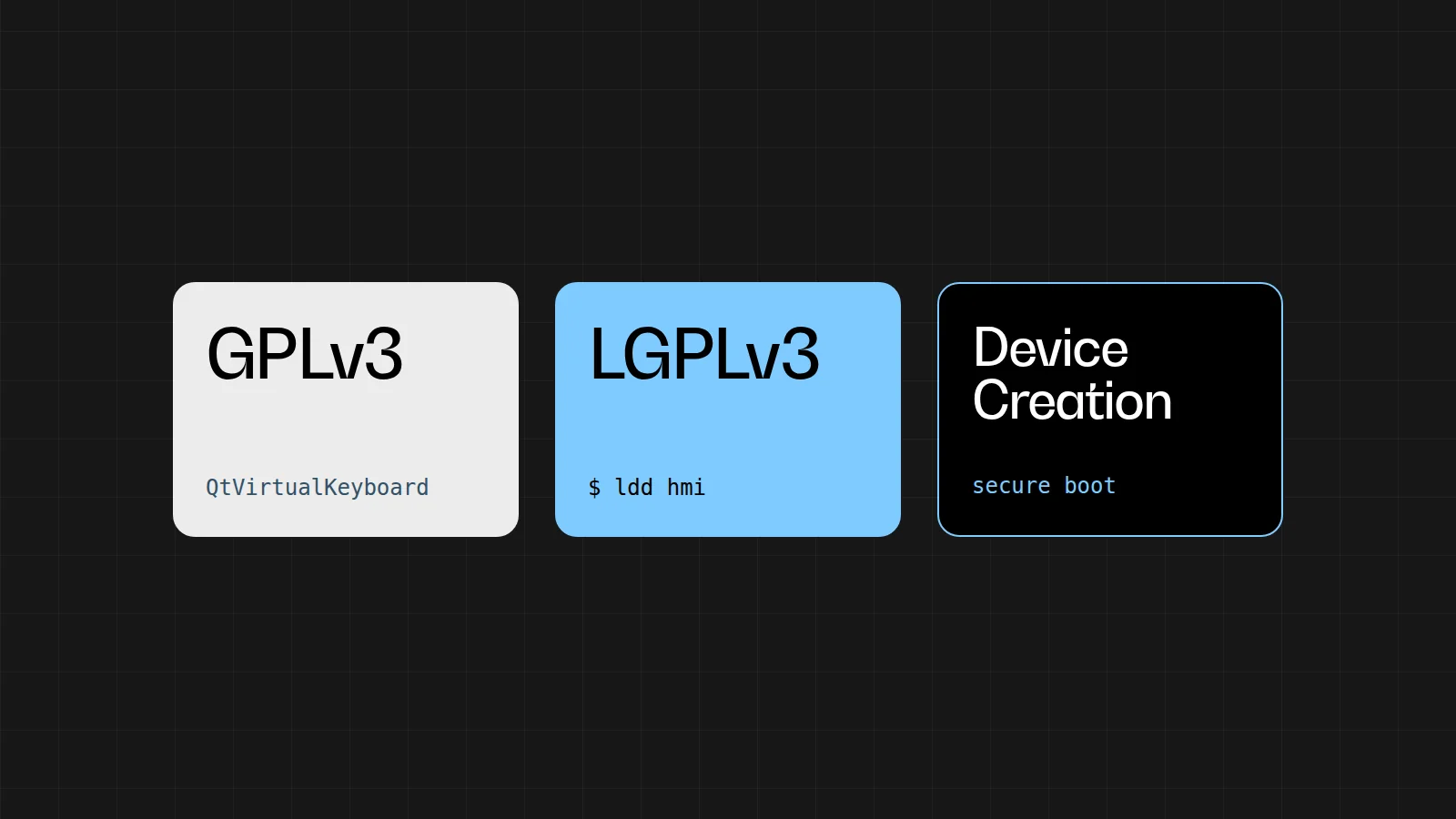
A commercial product built with Qt doesn’t automatically mean you need a commercial Qt license. You can ship Qt under the LGPLv3 and keep your own application closed. Whether that works for your device depends on the modules you use, on the kind of device and on who will keep Qt updated over the coming years.
We write this as engineers who build HMIs, so this is not legal advice. Always check the terms of the Qt version that actually ends up on your image.
Commercial or LGPLv3
The Qt Company offers Qt under a commercial license and under open-source licenses. For most libraries that open-source license is the LGPLv3. Your application can then stay closed, provided you meet the obligations around the Qt libraries themselves.
Older blog posts often still talk about the LGPLv2.1. That version had no rules about locked-down devices. Since Qt 5.7, Qt is no longer released under the LGPLv2.1. The classic advice “link dynamically and you can simply lock down the device” therefore no longer holds for recent versions.
Start with the modules you use
Not every part of Qt falls under the LGPL. In Qt 6.11, Qt Virtual Keyboard, Qt Wayland Compositor, the Qt Qml Compiler, Qt Quick 3D, Qt Graphs and Qt MQTT, among others, are only available under GPLv3 in the open-source version. That list changes from release to release. So check the licensing page of the version you actually ship, because an old FAQ can be out of date.
If you link such a module into the same process as your HMI, your entire application falls under the GPL. And it is exactly parts like the on-screen keyboard, a custom compositor, the QML compiler or an MQTT client that tend to get added to a project on the fly.
Wayland on your Yocto image is a separate case. If Weston, Cage or your board vendor’s compositor is running, and your Qt application is simply a window inside it, you are using the Wayland client plugin. That falls under the LGPL. You don’t even need to mention Wayland in your application’s CMake files for this: Qt loads the plugin automatically as soon as WAYLAND_DISPLAY is set.
The GPL part, Qt Wayland Compositor, only comes into play when your program is itself the display server. You can spot that in the build by Qt6::WaylandCompositor, or in QML by an import of QtWayland.Compositor. If neither is there, Wayland on the image doesn’t make your application GPL.
Also watch out for licenses that come in through an LGPL module. Qt WebEngine is based on Chromium, and Qt Multimedia doesn’t give you a patent license for H.264 or H.265. So include the attribution files of your Qt version with every release, together with the LGPL text.
Two different obligations
The LGPL works well in commercial products: you are free to sell a closed HMI that links dynamically against Qt. Where it often goes wrong in practice is that two different obligations get mixed up.
Shipping Qt as a
.sois always required. Letting your customer replace that.soon the device is only required for a User Product.
The first obligation comes from LGPLv3 section 4(d). Your application links dynamically against Qt, so that it can also run with a different, interface-compatible version of that library. On top of that, you ship the license text, you keep the Qt source code as it is on the image (including your own patches) and your EULA doesn’t prohibit anyone from modifying that library. Patches to Qt itself fall under the LGPL. The code of your HMI remains yours.
So that first obligation is about your build. A read-only rootfs with secure boot can lock the .so in place without a problem, as long as it remains a shared library and isn’t baked into your application. Static linking is possible too, but then you have to ship the object files so someone can relink, and with a closed HMI that is usually not what you want. On a microcontroller without a dynamic linker you end up with Qt for MCUs, and that is a commercial license.
The second obligation is in section 4(e), which refers to section 6 of the GPLv3. It concerns the so-called Installation Information: the signing keys, the procedure or some other means by which the recipient can install and run a modified Qt on that specific device. This obligation only applies to a User Product. It doesn’t apply to a display on a production machine, which is normally only used industrially. Your customer then doesn’t need to be able to replace libQt6Core.so in the field, and you don’t have to share your secure boot keys.
You do always have to keep the source code, also for that machine. A written offer under GPLv3 section 6 remains valid for at least three years, and after that for as long as you supply spare parts or support for that model. If you support a machine for ten years, you keep the archive of that Qt build for ten years as well: the layers, revisions and patches. Record it with the release, so it doesn’t depend on the laptop of whoever once built the image.
When is a device a User Product?
A User Product is a consumer product: something that is normally used for personal, family or household purposes. Products designed or sold to be built into a home also count. In doubtful cases, the license comes down on the side of protecting the user. What matters is how that kind of product is normally used. Whether this one buyer happens to be a business plays no role.
A product that is also used industrially remains a consumer product, unless industrial use is its only common application. The fact that you invoice a machine builder is therefore not enough on its own.
| What you build | How we look at it |
|---|---|
| Smart home or another consumer device | Household use, so count on a User Product and on the second obligation. |
| Wall panel for a home, sold to installers | It is made to be built into a home. Selling it to installers doesn’t change that. |
| Display that only sits on a production machine | If this kind of device serves no other purpose, it falls outside the definition. The first obligation still applies. |
| Medical device for home use | Home use counts as household use, even for a medical device. |
| Screen in a vehicle or on a tractor | Infotainment for the driver is different from an ECU that only sits inside the machine. Look at them separately. |
| Doubt | According to the license, you then treat it as a User Product, or you take a commercial license. Assuming “probably industrial” is a risk you’d better not take. |
Secure boot
Secure boot is a security measure and in itself has nothing to do with the license. On a User Product, however, you may not lock the Qt library behind keys that only you hold: the owner must be able to install and run a modified version. You don’t have to support that modified version afterwards, and you may refuse access to your network if the modification harms that network.
There is an exception for software that nobody can replace any more, not even the manufacturer, such as code in ROM. A bootloader that you still use to sign updates yourself doesn’t fall under that exception. As long as you can still install new software, the owner of a User Product must be able to do so too.
On a production machine display that installation obligation doesn’t apply, and secure boot with your own keys is perfectly possible under the LGPL. You still have to meet the first obligation: link dynamically, keep the Qt source code and show the license text. On a consumer device the same lock is only possible if the owner can still run a modified Qt.
Why a commercial license can still be worth it
For many machine displays the LGPL is not a legal problem. In the long run it can still turn out to be the more expensive choice, and that is mostly down to patches.
A regular Qt release gets about a year of support, an LTS release longer. From Qt 6.8 onward that is five years for commercial customers; Qt 6.8 LTS runs until October 2029. With a commercial license you get those patches immediately, while the open-source version gets them later. Under the agreement with the KDE Free Qt Foundation, those changes can be held back from the free edition for at most about a year.
If your device lasts ten or fifteen years and you have to be able to deliver security updates all that time, you need to absorb that gap somehow. You can keep following the open-source branch and take on the API changes each time. You can freeze a version and patch it yourself, including Qt WebEngine if it is on your image. Or you choose Device Creation and let The Qt Company maintain that branch.
With the LGPL you save on license costs, but tracking vulnerabilities in Qt remains your team’s job.
Which route do you choose?
With Qt for Device Creation the LGPL obligations for the framework no longer apply, and under those terms the device may also be locked down. That choice is the obvious one if any of these situations applies to you:
- Your HMI needs a module that is only available under the GPL in the open-source version, and it runs in the same process.
- You are building a User Product, or you’re not sure, and the device has to be locked with keys the owner doesn’t get.
- You want patches directly from Qt for years, without your team having to carry that work itself.
- There is no dynamic linker. Then you end up with Qt for MCUs, and not with the LGPL on Linux.
For a display on an industrial machine the LGPLv3 remains a good option, as long as a few conditions are met. The modules you link fall under the LGPL, Qt is on the image as a .so and you keep the source code for as long as you support the machine. And someone on the team keeps track of the Qt patches that don’t reach the open-source version right away. The customer then doesn’t need to be able to replace that .so on the machine themselves.
.so can go under the LGPL, provided someone keeps track of the updates for that Qt version.Make the decision early
It pays to sort this out while your image is still in full development. Start with the modules the HMI really uses and check that you link dynamically, which is the usual approach for a Linux HMI. Make sure the build archive is in order. Then check whether your device is a User Product, because only then does your secure boot setup determine whether the .so has to stay replaceable. The license text in the About screen follows naturally from that.
A prototype can easily start with the open-source packages. Switching only gets expensive once the on-screen keyboard is already in the process, the keys have already been fused into the device and someone has promised that this combination will get patches for ten years.
At Invisto we look at this as a whole: the BSP, the image, the update approach and the HMI. That way the licensing decision belongs to the same release as the keys and the modules.