A full HMI without Yocto maintenance?
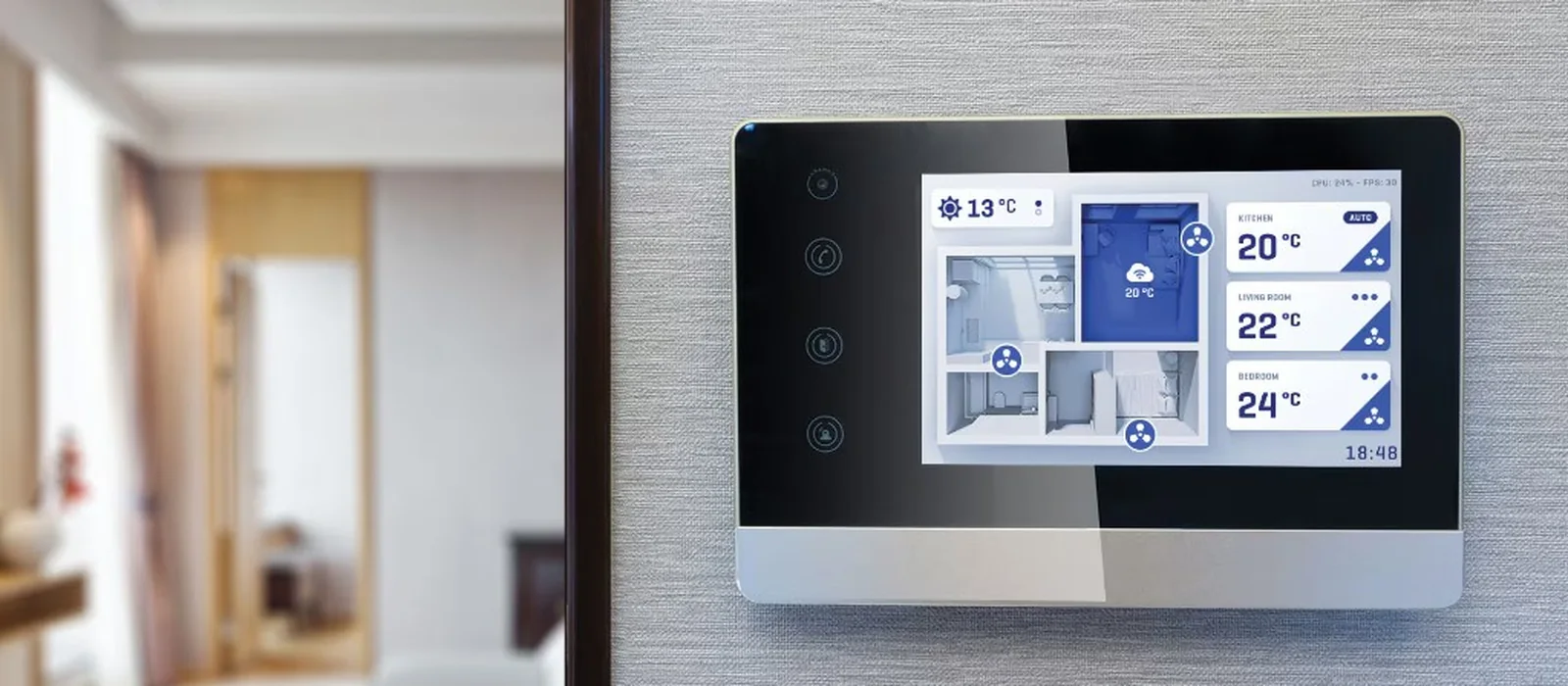
A seven-inch touchscreen, with animation and a clear interface, was long treated as a reason to choose Linux immediately. That is no longer automatic. High-end microcontrollers now draw interfaces that at first glance look like a small embedded Linux system, while the rest of the device stays a controller.
The difference is not a nicer typeface. It is clock speed, a graphics accelerator, a display controller and enough external memory to hold the framebuffer. On top of that sits a library such as LVGL or TouchGFX, which redraws only what changed.
Why Linux became the reflex
A rich interface used to require an application processor. You needed a kernel, a windowing layer, fonts, and enough RAM to keep a whole screen. On a Cortex-M with a 320×240 SPI display, the interface stayed a menu: a few buttons, a value, an alarm.
That boundary has moved. A panel of 800×480 or 1024×600 is not a desktop. It is one application, fullscreen, with a known set of screens. That does not need a compositor, a package manager or a distribution to maintain. It needs a processor that can scan the panel out, and a CPU that can update the widgets in time.
The question is not whether the screen looks modern. The question is whether the rest of the product needs Linux.
Once that rest is a camera, a browser, containers or several programs on the same screen, the answer changes. Until then, a microcontroller is often the calmer architecture.
The hardware that carries the screen
Two families show up most often in this segment: ST’s STM32H7, and the heavier ESP32 variants from Espressif. They solve the same problem in different ways.
STM32H7. The familiar H743 runs a Cortex-M7 at up to 480 MHz. Newer parts in the same line, such as the H735, go to 550 MHz. Dual-core variants such as the H745 put a Cortex-M4 next to that M7, so the control loop does not wait on drawing. The graphics accelerator on this classic H7 is Chrom-ART, called DMA2D in the documentation: it fills areas, copies bitmaps and blends layers without the CPU touching every pixel. The LTDC display controller reads the framebuffer and drives the panel. External SDRAM sits on the FMC.
NeoChrom is a heavier step, and it is not on every H7. That GPU belongs to the newer STM32H7RS, with a Cortex-M7 at up to 600 MHz. Rotation, scaling and more layer blending happen in hardware there. For an interface with a lot of motion, that is the difference between a CPU shoving pixels and a block that takes the work over.
ESP32-S3 and ESP32-P4. The S3 has two Xtensa cores at up to 240 MHz and PSRAM beside the chip. With the parallel RGB interface, 480×272 and 800×480 are comfortable. A 1024×600 panel is possible, but bandwidth and the time left for drawing get tight. The P4 is built for this job: two RISC-V cores at up to 400 MHz, PSRAM, and MIPI-DSI to the panel. That puts Espressif in the same segment as an H7 with external memory, with Wi-Fi and a lower step-in for teams already in that ecosystem.
Other MCU families do this too. NXP and Renesas have parts with a comparable display controller and external RAM. The trade-off stays the same: clock, accelerator, and whether the framebuffer fits in memory.
The software redraws only what changes
LVGL is the library you meet most often on these chips. The core is C, it runs bare metal or on an RTOS, and it is independent of the hardware. Widgets, animation and input live in the firmware, next to the control loop. How the license and the comparison with TouchGFX, Slint and Qt come out is covered in LVGL for embedded GUIs.
The performance point is partial drawing. An HMI rarely changes the whole image. A value counts up, a button lights, a chart shifts a section. LVGL tracks that region. DMA2D or NeoChrom fills and copies it. The CPU stays free for the application.
TouchGFX belongs to STM32. The designer, the examples and the link with Cube sit in the same ecosystem, and the tooling is free there. The drawback is that the screen stays tied to that chip family. You take LVGL with you when the next revision changes vendor.
On an ESP32-P4, LVGL is likewise the usual layer, with PSRAM as the framebuffer and the MIPI or RGB output as the display path. The library does not change. The driver and the amount of memory do.
What you can expect from the screen in practice
Memory is the first limit, not the number of buttons. One framebuffer in 16-bit colour takes this much:
| Screen | One buffer | Double buffering |
|---|---|---|
| 480×272 | 255 kB | 510 kB |
| 800×480 | 750 kB | 1.5 MB |
| 1024×600 | 1.2 MB | 2.4 MB |
| 1280×800 | 2.0 MB | 4.0 MB |
An H743 has a lot of internal SRAM, but not enough contiguous memory for a seven-inch panel with double buffering. That is where the external SDRAM comes in. The LTDC and the CPU share that bus. An interface that looks smooth is one that does not fill the bus with a completely new image, every frame again.
For ordinary operation at 1024×600, with animation on the regions that change, teams on an STM32H7 with DMA2D and external SDRAM reach around 30 frames per second. That is a fluid HMI. It is not video, and it is not a full screen rebuilt from scratch thirty times a second. Add that requirement and the frame rate drops, or you move on to an H7RS with NeoChrom, or to an MPU.
800×480 fits more comfortably, including on an ESP32-S3 with enough PSRAM. 480×272 still belongs on smaller microcontrollers, and there this whole H7 class is often more chip than the screen needs.
Thirty frames a second says something about the interface, not about a media player.
What you gain compared with Linux
The gain is in everything you do not bring along.
- The bill of materials. A microcontroller, an SDRAM and a panel cost less than an application processor or a SOM, especially at higher volumes. SDRAM layout is real work, but lighter than DDR on an MPU.
- Boot. The first image can be up in a fraction of a second. A Linux image takes seconds, even when you keep the image small.
- Power. The MCU stays in the order of a watt or less, depending on clock and panel. A Linux module is quickly above that, and the supply and the heat follow.
- Determinism. The control loop and the screen share one firmware image. A Cortex-M4 next to the M7, or a carefully arranged RTOS, keeps the control predictable. On Linux that is a separate exercise in priorities, kernels and latency.
- Less software to maintain. No distribution, no userspace, no compositor. The attack surface and the certification file are smaller. A medical or industrial file does not become light by itself, but you certify firmware, not an operating system with a package list.
That last point is not a free pass. The Cyber Resilience Act and a medical standard still look at the whole device. Less code makes the file easier to follow. It does not remove the obligation.
When Linux stays the better choice
A good-looking screen is no longer a reason to take Linux. Other requirements still are.
Choose an MPU with Linux when the product has a camera and a video pipeline, when a browser or a heavy web technology has to run on the screen, or when several processes share the display. Also when you need Qt’s application framework, with networking, storage and an update story that belongs to a Linux image. Which distribution fits then is covered in Yocto vs Ubuntu vs Debian.
You see the same boundary on the panel. A 1280×800 with a lot of simultaneous animation, or an interface that looks like an application with lists, maps and live video, does not sit comfortably in an MCU framebuffer. Then the microcontroller is the more expensive choice, because you end up removing the limitation later with a redesign.
Where you meet this
This pattern shows up in machine control panels, in pumps and climate cabinets, in simple medical devices with a fixed screen, and in dashboards that show one job. The screen is the interface of a controller. It is not the computer.
A wall-mounted smart-home panel can land here too, as long as it does not have to be a browser and a camera feed. Once it does, you are back at Linux.
How we look at it
At Invisto we start from the screen size, the framebuffer and the question of what else the device has to do. If the image fits in external RAM, and the rest of the product is a control loop with an interface, an STM32H7 or an ESP32-P4 is a strong and often cheaper architecture than Linux. If the product needs a camera, several programs or a heavy application framework, we draw the screen on an MPU and do not keep the microcontroller in the picture artificially.
The framework follows that choice. LVGL or TouchGFX on the MCU, Qt when Linux is already there for another reason.