A PLC advisory and two hundred machines
An industrial machine is one product with digital elements, built from other people’s firmware and from software the machine builder writes. The Cyber Resilience Act requires that manufacturer to follow vulnerabilities in the whole of it.
This piece follows a fictional production machine, and one Siemens advisory, to show where the paperwork stops and the engineering starts. The construction is that of machines we see at machine builders. There is no customer in it, and no result.
The machine is one product
In the cabinet sits a Siemens S7-1500, with Siemens firmware and a PLC program from the machine builder. Next to it, an HMI on embedded Linux with a Qt application of their own, an SEW drive, a Basler camera, an Ewon gateway and a .NET backend of their own. The Linux image contains OpenSSL, Qt and the rest of the userspace. The Basler SDK is linked into the Qt application. The camera firmware is not.
Two hundred of these machines are installed at customers. They share a product name and not a software state. Some have older PLC firmware, a different HMI image, or a camera that was replaced when the hardware changed. Some are on the internet through the gateway. Some sit only on the customer’s production network and report nothing back.
| Part | Who places it on the market | What you record |
|---|---|---|
| S7-1500 | Siemens, for the PLC | Order number and firmware version |
| Drive | SEW | Type and firmware version |
| Camera | Basler, for the camera | Camera firmware, separate from the SDK |
| Gateway | Ewon | Firmware version and how the connection is open |
| HMI image, Qt application, .NET backend | The machine builder | Release tag, SBOM, signed update |
| OpenSSL, Qt, Linux libraries | Integrated by the machine builder | purl in the image SBOM |
The manufacturer of the machine is the machine builder. They place the product with digital elements on the market. Article 13 of Regulation (EU) 2024/2847 puts the risk assessment, the essential cybersecurity requirements of Annex I, and vulnerability handling during the support period on them, including vulnerabilities in components. Siemens remains the manufacturer of the PLC, SEW of the drive, Basler of the camera and Ewon of the gateway, insofar as they place those components on the market as products themselves.
Article 13(5) requires due diligence when integrating components from third parties, so that those components do not compromise the cybersecurity of the machine. That includes open source that has not been made available on the market in the course of a commercial activity. OpenSSL in the image is a component of the machine builder. The upstream maintainer does not file a CVE report on their behalf.
Due diligence is an inquiry that matches the risk of that component. Recital 34 names what belongs in it: checking whether the component manufacturer demonstrates conformity, whether security updates arrive, whether known vulnerabilities exist, and testing yourself where that is needed. Until 11 December 2027 you should not expect a CE mark under this Regulation on a PLC. The reporting obligation of Article 14 has applied since 11 September 2026, including for products that were already with customers. Until then, due diligence rests on the update history, the advisories and the tests you run yourself.
The support period of the machine is at least five years, unless the product is demonstrably in use for a shorter time (Article 13(8)). When you set it, you weigh how long the suppliers of core components still update their firmware. That date does not automatically become yours. A security update you issue during support stays available afterwards for at least ten years, or until the end of the support period if that runs longer.
A backend the machine needs in order to perform a function belongs to the product. The Regulation calls that a remote data processing solution. The .NET service that sends recipes, without which the line does not produce, falls under the same manufacturer. A separate dashboard the customer adds on their own does not.
The version is the key
A bill of materials that says “S7-1500, HMI, SEW, Basler, Ewon” says nothing on the day an advisory arrives. What you need is a graph of versions.
At the top is the product, the machine. Under it, the configurations: the hardware variants you actually build. A line with a camera and a line without one are two configurations, even when they share a brochure. Each configuration points at component versions. For the PLC that is a firmware version, together with the order number. The same for the drive, the camera and the gateway. For the panel it is an image version. For the Qt application and the .NET backend, a release tag.
A hierarchy of project and subproject makes sense where a part has its own release. The HMI image is built, tested and signed without the PLC firmware changing along with it. That image is a subproject, with its own SBOM. The machine is the project that fixes the combination: image 2.4.1 next to PLC firmware 2.8.3. The requirement stays the issue key the team already uses in Jira, Polarion or Codebeamer. The SBOM and the triage stay with the build. A second requirements list in the subproject drifts out of step within a week.
The relations are few. A threat belongs to an element on the diagram. A requirement refers to that threat and to the clause of Annex I. A test refers to the requirement, and the evidence names the version it ran on. An SBOM belongs to one image version, with a purl per component, or a CPE when a purl does not exist. A CVE triage refers to that purl or to a firmware version, and to the threat. On a fix, also to the requirement. If a key is missing, a script after the build fails the release candidate.
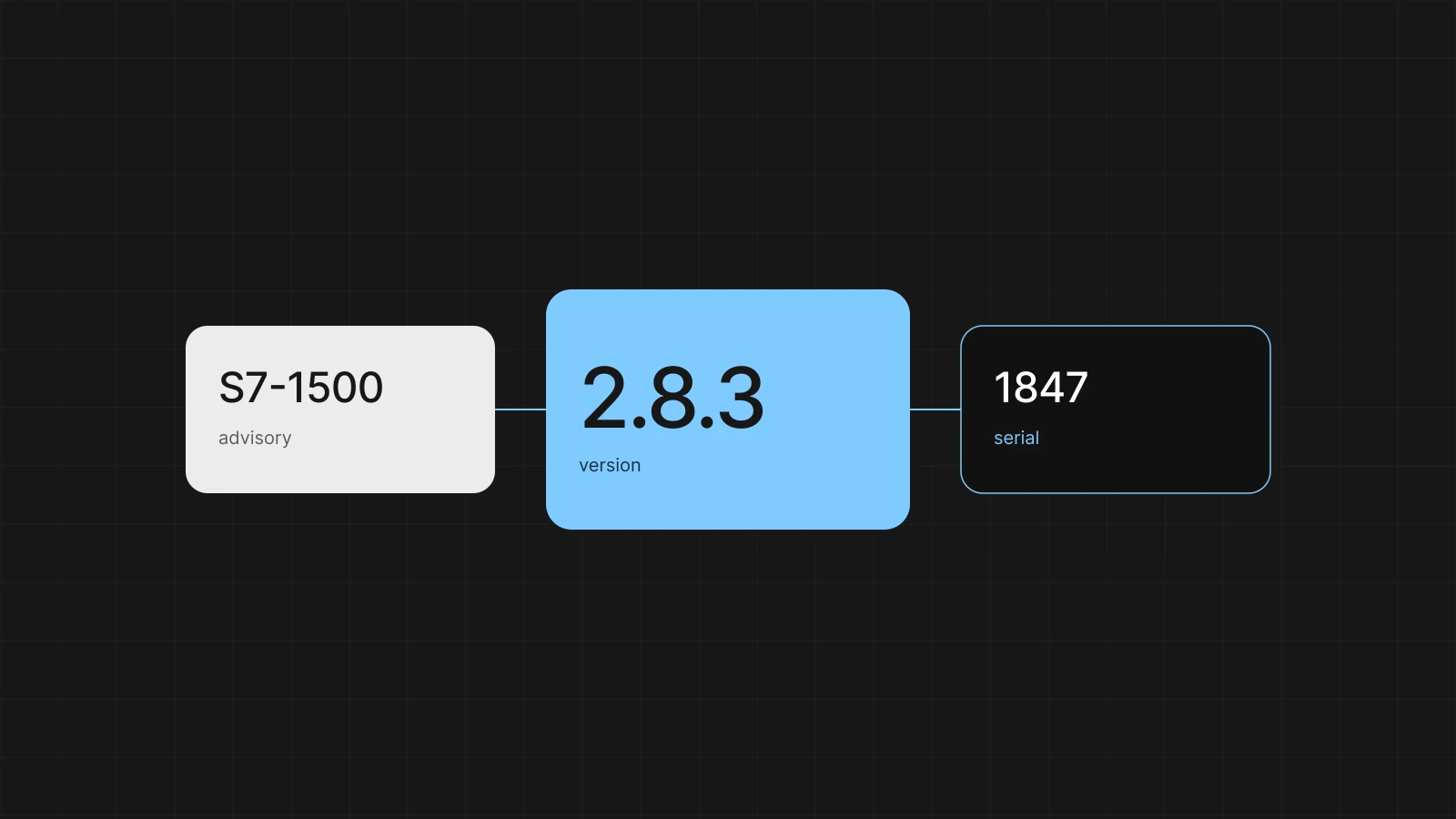
The installed base uses the same keys. Serial number 1847 runs image 2.4.1 and PLC firmware 2.8.3. The question “who has 2.8.3” returns serial numbers. The Basler SDK is in the SBOM of the image. The camera firmware is not. Folding both into one line called “Basler” mixes two advisories.
One boundary colors the risk
A risk assessment of the machine is a different document from Siemens’ security advisory on the PLC. Article 13(2) and (3) require an assessment of the cybersecurity risks of the product, based on the intended purpose and reasonably foreseeable use, documented and updated during support. Siemens answers the risks of the PLC as a product. You answer what happens when that PLC sits in this machine, with this gateway, this network and these operators.
The method is a data flow with trust boundaries, then STRIDE on the elements that touch a boundary. One threat is one scenario with one outcome. The diagram fits on one page. Blocks are parts that make their own trust decision: the PLC, the HMI image, the gateway, the backend, the technician with a laptop.
On this machine the Ewon is the boundary that colors the rest. Behind the gateway is a cell with the PLC, the drive and the panel. Profinet or Modbus on that segment assume the participants trust each other. A vulnerability in the PLC firmware is reachable inside that cell for anyone already on the segment. Through the gateway it is reachable for anyone who has the service connection. The same CVE becomes two threats, because the attacker and the interface differ.
An advisory on the PLC is an input. Whether the machine is vulnerable is decided by the threat model of the machine.
Three scenarios are almost always the first ones on a diagram like this.
The service connection. Someone uses a stolen or a default account on the gateway and reaches the machine network. The asset is the control and the configuration. The clauses are protection against unauthorized access and a limited attack surface: Annex I, Part I, point 2(d) and 2(j). The requirement names behavior: on a production machine the gateway has no default password, the connection is bound to an identity of the machine builder, and a test rejects an empty login.
The update. An image or a PLC program that lands on the machine without a check of origin replaces the software you assessed. For the HMI image the requirement is a signed bundle, with rollback when the new version does not come up healthy. For the PLC the cryptographic path sits with Siemens. The procedure by which the machine builder loads a program is theirs, and gets its own requirement.
Physical access. A debug interface on the panel, or an open engineering port on the PLC, gives someone in the cabinet a different privilege from the operator. On a production machine that is foreseeable use. The requirement names the interface: on a production image the debug UART does not give a shell.
The supplier belongs in the same assessment. A firmware branch whose security updates stop is a scenario with a date. You record it as a threat on that element, with a review before that date. The rating per threat is low, medium or high, on likelihood and on impact on the essential function and on the user’s network. The decision is mitigate, accept, or place with the component manufacturer the part that only they can patch. Acceptance has an owner and a review date. The part you place with the supplier covers their publication. Your duty to know which machines run that version, and to inform the customer, remains.
What the supplier provides
From Siemens, SEW, Basler and Ewon you collect the same things, in the order you can get them.
- The identity of the component: order number, type, firmware branch. Without that you cannot attach an advisory.
- The security channel: where the advisories appear, in which format, and who reads them when the format is a PDF.
- The update channel: how firmware gets onto the machine, how long that branch stays supported, and which successor the supplier names.
- The declaration of conformity, once it exists under the CRA.
An SBOM of the PLC firmware is welcome and rare. Annex I, Part II, point 1, requires each manufacturer to draw up an SBOM of their own product, at least the top-level dependencies, in a commonly used machine-readable format. That is the machine builder’s SBOM for their image, and Siemens’ SBOM for the PLC. The machine builder cannot force the second, and the Regulation does not ask them to paste Siemens’ internal bill of materials into their file. Annex VII includes an SBOM in the technical documentation where a market surveillance authority asks for it with reasons. Until that request, you keep the SBOM your own build does write.
If a supplier stays silent, you write that on the component: no advisory feed, no end date of support, the last firmware you established yourself. That record is the due diligence. An empty folder called “supplier” is a gap in the risk assessment.
Article 13(6) sets one more direction. When you identify a vulnerability in an integrated component, you report it to whoever manufactures or maintains the component, and you remediate it in the machine according to Part II of Annex I. If you made a modification yourself to close it, you share the relevant code or documentation with that party, where appropriate in a machine-readable format. Reporting it to Siemens does not release you from the fix in your product. The fix in your product does not release Siemens from theirs.
End of support for a firmware branch makes that boundary visible. Siemens decides about the PLC. You decide about the machine: migrate to a branch that still receives updates, close the interface so the threat is no longer reachable, or accept the risk until the review date. The third option does not suspend a notification under Article 14 when the vulnerability is actively exploited.
A Siemens advisory
Siemens ProductCERT publishes security advisories, for part of the portfolio as CSAF. CSAF is a machine-readable advisory: which product, which versions, which CVE, which remediation. CVE is the identifier of the vulnerability. CPE is a name for a product version that a database tries to match. VEX is a statement about exploitability: this product is affected, or this product is not, with a reason.
SEW, Basler and Ewon do not publish that stream in the same way. For them a person links the PDF or the web page to a type and a firmware version in the registry. A job that would “process” every supplier website invents hits on pages that are not advisories, and misses the PDF that is one.
The steps for one advisory on the S7-1500.
- Intake. A job reads the CSAF feed and creates an advisory record with the SSA number, the CVEs and the firmware versions named. The record is a candidate. It is not yet an incident and not yet a notification.
- Link to a version. The advisory names a product and a version range. Those are laid next to the firmware versions in the product structure. CPE matching on industrial firmware often fails: the name in the catalogue differs from the name in the CSAF, or the branch has no CPE. The primary key is the firmware version you recorded yourself. A supplier VEX that says “not affected” for that exact version, you take over, with the VEX as the source. A missing VEX says nothing.
- Which machines. The query is: which serial numbers have this firmware version. The answer has three columns. Affected, with customer and serial number. Another version, outside this range. Unknown: no firmware read back, because the machine is offline or because nobody noted the version at commissioning.
- Impact. The advisory says the firmware is named. A person says whether the threat is reachable on this machine. Three outcomes, the same as for a CVE in your own image.
- Measure. On a fix you reopen the requirement that covers the threat. The requirement is closed when the affected machines no longer run that version, or when a measure closes the interface and a test shows that on this configuration.
- Test. You test new PLC firmware on the combination you ship: that firmware, the PLC program, and the HMI image that talks to it. A configuration change on the gateway you test at the point the threat names.
- Customers. The notice names the CVE, the firmware version, the measure and the version that contains it. It goes to the affected column. Machines on another version do not get that letter. Machines with status unknown get a request for the version, or a visit.
- File. The triage record, the requirement, the test evidence and the list of serial numbers with the version after the action. Whoever asks six months later what happened to that SSA opens that chain.
You handle unknown according to the risk you already had. Either you read the firmware out before you act, or you treat the machine as affected until the version is known. You write that choice down, with an owner.
| Triage | When | What the record names |
|---|---|---|
| Fix | The scenario from the threat model is reachable | The threat, and the requirement that is reopened |
| Not reachable | The vulnerable service is off, or the interface does not exist on this machine | The threat you walked through, and the test that shows the closed interface |
| Accepted | You deliberately leave the version in place until a date | Owner and review date. Article 14 still applies in case of active exploitation |
What can run automatically: pulling the feed, laying the version range next to the registry, looking up the serial numbers, and holding a release while a high or critical hit has no triage. What stays with a person: linking the PDF of a supplier without CSAF, judging reachability, accepting a residual risk, and signing the text of the customer notice.
Your own software, in the same chain
The Qt application and the .NET backend are the part whose SBOM comes out of the build. For the HMI image the build writes a CycloneDX file. The version in the metadata is the image version. Each package has a purl. Yocto can also write SPDX. The file the gate scans is the CycloneDX of the rootfs. How that SBOM relates to a CVE on the image is described in what to do when a CVE shows up on your Yocto image.
In the pipeline, on the same commit as the release:
- Static analysis on your own C++ and C#, and a secrets scan. That catches faults in code you write.
- A dependency scan on the SBOM. Grype or OSV-Scanner produces candidates. The scan does not decide whether the vulnerability is reachable in this product.
- The gate reads the requirements, the tests, the evidence and the triage. A requirement without a passing test on this version fails the candidate. A high or critical CVE without a triage file fails it too.
A test report that only says “security ok” has no key and does not count for that release. Updates of the HMI image go to the device signed, with rollback. Otaryx records which serial number reports which image version. The PLC, the drive and the gateway are not in that report. Their version comes from commissioning and from a readout.
Two hundred machines, some of them silent
The installed base is a table. Per serial number: customer, configuration, image version, PLC firmware, drive, camera, gateway, and the date on which that state was established. An empty field has the status unknown, with a reason.
A version enters that table in three ways. At build, as the baseline of the serial number that leaves the factory. At an update that reports back: a successful rollout sets the new image version, a rollback sets the version the device actually runs. The table follows the device. And at a readout. PLC firmware is changed by a technician on site, or through the engineering software, without the panel noticing. Without a readout after that intervention the column is no longer right. Offline machines get that readout at maintenance. Until then the status stays unknown, or the last seen version with a date old enough to distrust.
An update campaign is a query plus an action. The query returns the serial numbers with PLC firmware in the range of the advisory, whose triage is fix. The action is the new firmware, tested on the combination with the HMI image those machines run. You do not test machines with a different image along with them just because the PLC firmware happens to be the same. The combination is the product. Afterwards the table is right, or you see which serial numbers the action did not reach.
Notify or advise
Four situations get mixed up in an inbox. The Regulation separates them.
| Situation | What the text requires |
|---|---|
| Known vulnerability | No known exploitable vulnerabilities when placed on the market (Annex I, Part I, point 2(a)). During support, remediate without undue delay (Part II, point 2). A record in a database is not yet an exploitable vulnerability in this product. That is what the triage is for. |
| Actively exploited vulnerability | Article 14, through the ENISA reporting platform. Early warning within 24 hours of becoming aware, notification within 72 hours, final report at the latest 14 days after a corrective measure is available. The clock starts at knowledge of the exploitation. |
| Severe incident | Also Article 14: 24 hours, 72 hours, and a final report within one month of the notification. A failed update or a finding from your own test is not that incident, as long as the security of the product at the user has not been affected. |
| Update available | Part II, points 4 and 8: inform users, and offer the update in a timely manner, at no additional cost unless otherwise agreed for a tailor-made product. That notice goes to the affected column. Article 14 is added once the vulnerability is also actively exploited, or the incident is severe. |
When you notify under Article 14 you also inform the affected users, and where possible about the measure they can take. A maintenance contract that shares every advisory is an agreement with that customer. It does not replace the threshold of Article 14, and it does not make an ordinary CVE notifiable to the authority.
You exercise the reporting route. Once per release train you walk through the 24 hours and the 72 hours at the table, with the reporting address and the owner from the risk assessment. The evidence of that exercise shows that the route exists. It is not a notification.
The reporting obligation has applied since 11 September 2026, including for machines already at customers. The other manufacturer obligations, including the technical documentation and the CE marking under this Regulation, apply from 11 December 2027. The text of the Regulation and the Commission’s guidance remain the source. This piece is not legal advice.
The file is an index
Annex VII describes the technical documentation. It contains the description of the product, the design and the vulnerability handling, the risk assessment, the reasoning for the support period, the standards applied or the solutions you use in their place, the test reports, the EU declaration, and, where a surveillance authority asks for it, the SBOM.
Those pieces are the chain the release already had to have: context, threat model, diagram, SBOM from the build, evidence per version, the supplier record including the gaps, and the stack of triages. A script that writes an index after a green gate, with clause, requirement, test, evidence and CVE decision, is the file for that version. The manufacturer signs the EU declaration. The index points at the files.
Harmonised standards under the CRA are not yet in the Official Journal for every part. Until then the file describes the solution you chose. IEC 62443 can feed that description where a zone or a requirement coincides with it. The Machinery Regulation continues to apply alongside it for the safety of the machine. NIS2 can apply to the customer as an operator. Each of those texts has its own obligation. Article 13 remains the text for the manufacturer of this machine.
Whether the machine falls under Annex III or IV, as an important or critical product, determines the conformity procedure. For a production machine like this, that is checked per product. If it falls outside those annexes, the assessment is the internal control by the manufacturer. The gateway, as Ewon’s own product, may fall into a category. That file is Ewon’s.
What can be automated
The chain that carries this joins what the build, the supplier and the installed base can already say. It refuses a release in which the join is missing. How we put that chain into the engineering is on the page about our CRA approach. Here, the data it has to be able to join for this machine.
Six records are enough.
- Product and configuration. Which component versions a variant fixes.
- Supplier stream. CSAF where it exists, a manually linked advisory where it does not, and the record “no feed”.
- Vulnerability. CVE, version range, triage, threat, requirement.
- Requirement. The ID the team already uses, linked to the clause.
- Evidence. Test report on a named version.
- Serial number. The last established versions, or the status unknown.
Existing tools fill the edges. Syft or the Yocto SBOM writes the inventory of your own image. Grype, OSV-Scanner or cve-check in the build produce candidates. SonarQube and a secrets scan sit in the same pipeline. Jira holds the requirement. The CSAF feed from Siemens ProductCERT delivers advisories a parser can lay down. EMBA helps when you do have a supplier firmware image in hand and want to see what is in it. It does not replace their advisory.
The application we put in place at the manufacturer keeps those six records in their own environment. A release is green when the keys match. An advisory becomes a list of serial numbers, plus the unknown column. The technical documentation, the user information and the draft of the EU declaration are produced from that data. The Article 14 deadlines sit on the product, so the 24 hours is a timer.
A few decisions stay a signature. Whether a CVE is reachable in this machine. What you do when the supplier is silent about the end of support. The text of the customer notice. Accepting a residual risk. A notification to the authority. The application does not invent an SBOM for a PLC that does not publish one, and it does not mark an offline machine as updated.
What you still have to be able to do
An advisory on the S7-1500 is a version range. You lay that range next to the firmware you recorded per serial number. Three columns come out: affected, another version, unknown. Unknown is a finding. A person then says whether the threat is reachable on this machine. Only then come a requirement, a test on the combination you ship, and a notice to the customers in the affected column. Article 14 is added when the vulnerability is actively exploited, or the incident is severe.
Siemens, SEW, Basler and Ewon remain the manufacturer of their component. The machine builder remains the manufacturer of the machine. Their part is the due diligence, the SBOM of their own image, the recorded firmware version of the supplier, and the question of which installation still runs that version. A PLC without a published SBOM gets the record “no SBOM”. An offline machine stays unknown until someone reads the version out.
If you can still lay the serial numbers, the triage and the evidence next to firmware 2.8.3, the next advisory is an assessment. If you cannot, every record starts with the same search: what is actually installed at that customer.
At Invisto we set that chain up in the machine builder’s engineering. The threat model, the requirements in the tools the team already has, the SBOM from the build, and the link to the machines that actually run the version.