From a Windows panel to a Linux HMI
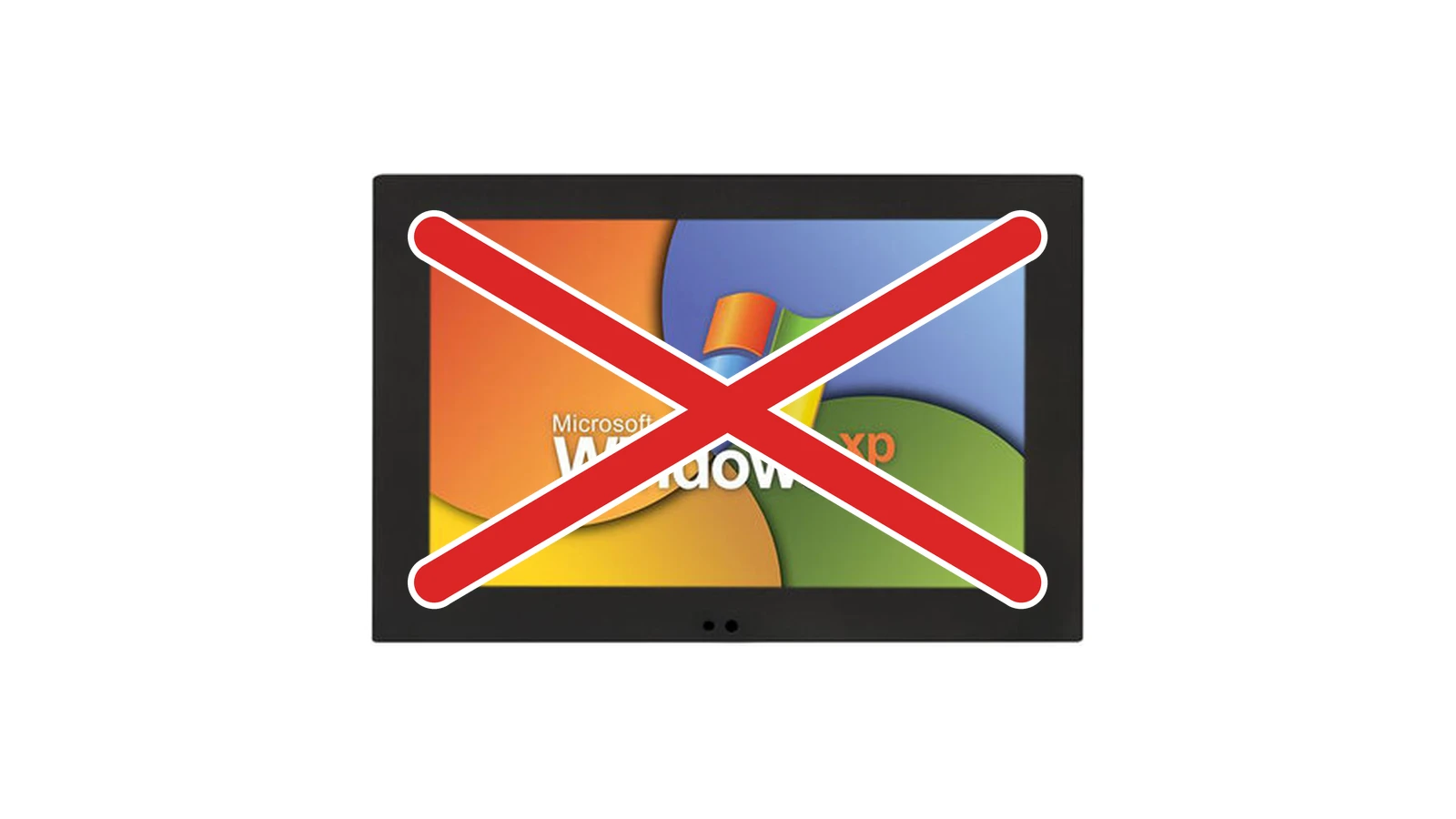
Plenty of machines still have a panel running Windows CE, Windows Embedded or XP Embedded. The operator knows the screens, the PLC answers and the line runs, so there is little reason to touch it. That changes when the supplier stops support, a security advisory comes in, a broken panel can no longer be replaced or a new feature no longer fits on the old CPU. Then the panel has to be replaced, ideally in a way that the operator still recognizes the machine.
The panel still works, the platform no longer does
Windows CE, Windows Embedded and Windows XP Embedded no longer receive security updates. The hardware underneath is usually a slow CPU with little memory, and an update means a USB stick or someone going on site. A link to MES over OPC UA or REST often does not fit the runtime that shipped with the panel at the time. Spare parts are getting scarce too: panels with CE or XP are increasingly hard to find, and when one fails, a machine can stand still for weeks while you wait for a replacement.
A Linux image you build yourself removes that limit. Choose Yocto when the image is part of your product, and Debian when the panel is closer to an ordinary computer. How to make that choice is covered in Yocto, Ubuntu or Debian.
Then there is the Cyber Resilience Act. Article 13(8) of Regulation (EU) 2024/2847 requires a support period of at least five years, unless the device is demonstrably used for a shorter time. An operating system that no longer gets updates cannot cover that period.
Start with what the operator already knows
Operators often work with the same screens, buttons and alarm texts for years. When a new interface renames everything, it feels to them like a different machine, and you see that in the mistakes during the first weeks.
That is why the inventory starts with how the machine is operated:
- which screens they open most often;
- which actions happen under time pressure, or with gloves on;
- which alarm stops the line;
- which values they actually read, and which are only there because the screen had to be filled.
The new HMI keeps that logic and those words. What changes is the visual layer, the speed and the room to add features later. An alarm called “conveyor belt fault” keeps that name, and the button pressed under time pressure stays at the same moment in the task, even if the screen looks different.
The moment to get the UX in order
Keeping what works does not mean everything has to stay as it was. Over the years, an old panel often collects screens whose logic nobody remembers, buttons that are too small for gloves, alarms without a clear next step and settings buried three menus deep. As long as the panel works, nobody touches any of that. A replacement is therefore the moment to get the UI and UX properly in order.
It starts with the inventory above. What operators use every day gets a fixed, easy-to-reach place. Alarms say what is going wrong and what the operator should do next. Settings that only the service technician needs move one level deeper, so they stay out of the way of the daily work. And because the new stack runs on a current GPU, the interface can also respond faster, with clear charts and trends instead of columns of numbers.
Test those choices early, with a clickable prototype on the floor, so the improvements match how people really work and the operator still recognizes the machine.
Three possible routes
The panel stays. You keep the panel PC, or you replace only the display. On a new Linux image the HMI runs in Qt/QML, in Avalonia if the team already works in C#, in Flutter, or as a web interface in React in a kiosk browser. Which one fits depends on the hardware, the skills in the team and how the HMI will be maintained later. It is the shortest route with the lowest hardware cost, provided the CPU and memory can handle the new stack. With a panel PC from the CE generation that is often not the case. Where it does work, the control system simply stays in place. The operator interface of a flax machine followed this route: the display stayed, and the interface became Qt/QML on a Yocto image.
A new panel with the same I/O. You replace the whole panel, but the PLC stays, over the protocol already in place: Modbus, EtherNet/IP or OPC UA. You get hardware that is still available and an image you can update yourself.
The machine goes back on the market. That means new hardware, new software and often a link to MES or diagnostics the old panel did not have. It is more a relaunch of the machine than the replacement of a screen that has to keep working, and it calls for a different kind of project.
Most lines end up with the first or the second route.
What stays and what changes
| Windows panel | Linux HMI | |
|---|---|---|
| Operating system | Windows CE, Embedded or XP Embedded | Yocto or Debian |
| Interface | .NET Compact, WinForms, or the supplier runtime | Qt/QML, Avalonia, Flutter or a web interface (React) |
| Update | USB, often on site | Signed image, with rollback |
| Graphics | Whatever the old chipset still draws | GPU of a current SoC |
| Lifetime | The support the supplier already ended | The period you set, because you build the image yourself |
Plan a signed update with rollback into the very first image, not into a later phase. Keep track of which serial number runs which version, and make sure an update that stalls leaves the previous working version on the machine.
Start with one machine
An order that works well in practice:
- Map the existing HMI: the screens, alarms and protocols, the limits of the hardware, and what operators do when it gets busy.
- List what lives on the old panel: recipes, setpoints and parameters, users and their rights, and the history. It is often stored in a proprietary format, sometimes inside the supplier’s runtime, and it is usually more work than expected. Export it and bring it into the new HMI in a structured way, so nothing has to be entered again after the switch.
- Choose the platform: Yocto or Debian, and Qt/QML, Avalonia, Flutter or a web interface in React, and check whether the current panel PC can still handle the new stack.
- Build a prototype around the tasks that really matter, such as the steps that stop or restart the line, and test it on the floor with the people who work there. If anything changes in manual operation or in safety-related functions, check with your safety advisor whether the machine’s risk assessment needs updating.
- Roll out on one machine or one line first, then on the rest, with the same image. As a machine builder you will have machines with the old and the new panel in the field for a while. Agree which HMI version belongs to which machine type and how you support both until the last old panels are replaced.
- Ship updates signed and with rollback from the first release, and keep track of which machine runs which version.
That way the operator keeps the familiar words and order of work, while the panel underneath becomes a platform you can maintain for years to come.